

Technical SEO
Why a new blog post is not indexed: a diagnostic checklist
A blog may not be indexed because it is inaccessible, blocked, poorly connected, duplicative, or not yet selected for indexing. Inspect the URL and its signals before repeatedly requesting indexing.
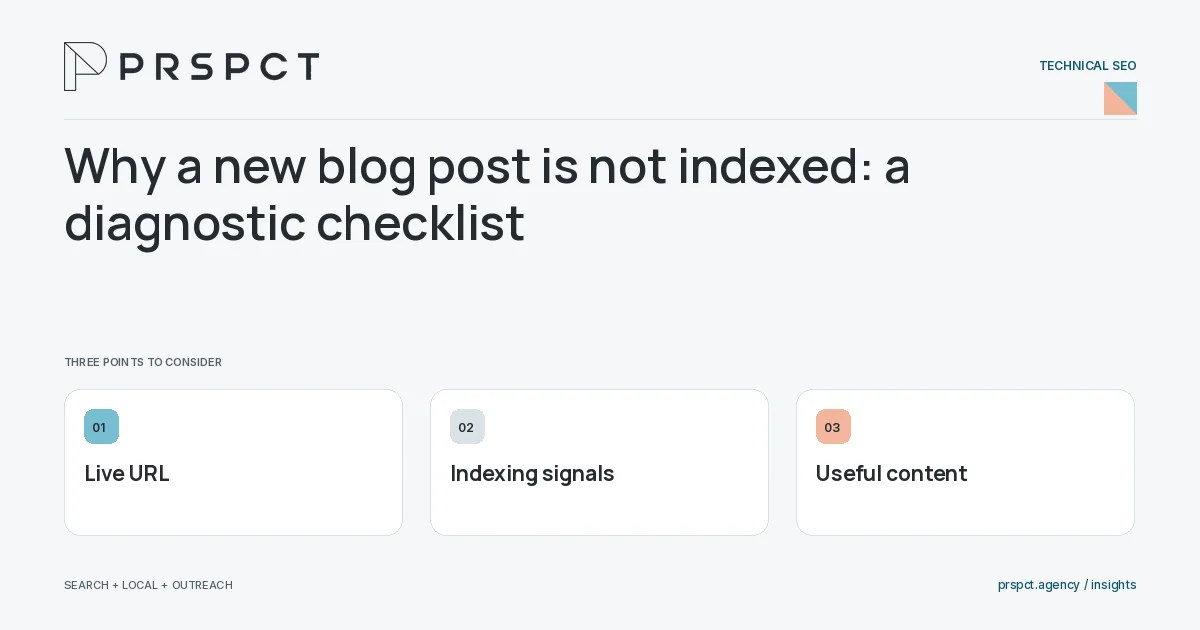
Publication and indexing are different events.
Verify the live page
Check that the intended URL returns useful content and is not a preview, error, or redirect.
Inspect indexing signals
Review noindex directives, canonical choice, and crawl access. A blocked crawler may not see a directive change.
Assess usefulness and discovery
Add relevant internal links and check whether another page already answers the same question more clearly.
A practical example
A fictional checklist is live but linked only from an unshared preview. Adding it to the relevant topic hub solves the discovery gap; the team still avoids promising when indexing will occur.
A decision checkpoint
Inspect the canonical destination as well as the current page. A page can be accessible while declaring another URL as preferred. If the destination is inappropriate or unavailable, repeated indexing requests will not resolve the underlying inconsistency. Document the signals before changing several settings at once.
A mistake to avoid
Repeated submission does not fix contradictory signals or a duplicate answer.
How to assess the result
Use URL inspection and monitor the page’s reported state. Record fixes before interpreting later search exposure.
Put the work in context
Technical SEO makes useful content accessible and consistently identifiable. Diagnose the specific failure before applying a sitewide change: crawl access, indexing signals, rendering, redirects, and page experience solve different problems.
Test representative URLs from each page template after changes. Keep staging and production settings separate, and confirm that the published HTML, status code, canonical URL, and sitemap describe the same intended destination.
A common question
Does an indexed page automatically get traffic?
No. Indexing is only one stage; demand, relevance, competition, and result presentation affect visits.
Related reading
- Technical SEO checklist for a small website
- Canonical URLs explained for business websites
- Redirect checklist for a small-business website redesign
- Content marketing for small businesses: build a useful library
Discuss your next priority
PRSPCT helps businesses connect search visibility, local presence, and email outreach. Email josh@prspct.agency to discuss your goals.
References and further reading
The references below support relevant platform definitions and requirements. The planning workflows and labeled examples are PRSPCT editorial guidance.