

Technical SEO
Canonical URLs explained for business websites
A canonical URL identifies a preferred version among duplicate or very similar pages. Align canonical tags with redirects, internal links, and sitemaps instead of using them to combine unrelated content.
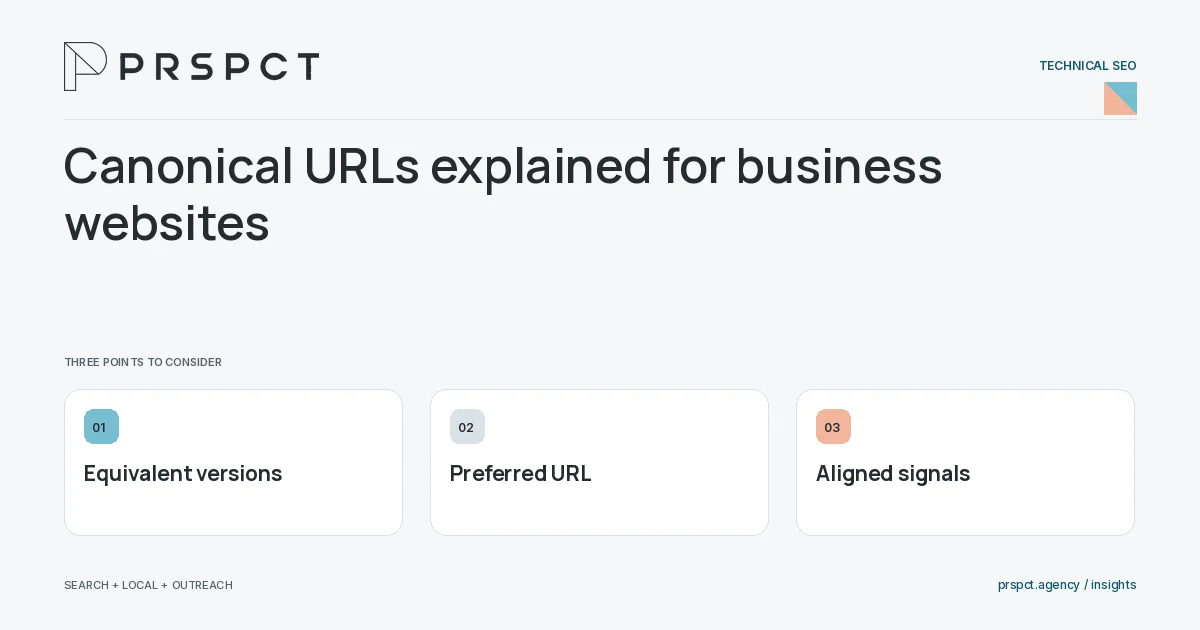
Canonical signals help consolidation but do not replace a sensible URL structure.
Identify equivalent pages
List alternate parameters, host variants, and duplicates. Confirm that their main content is substantially equivalent.
Choose the preferred URL
Use a stable, accessible destination. Keep internal links and sitemap entries pointed at it.
Inspect the outcome
Review rendered canonicals and search-engine reports. Remember that the declared preference may not always be selected.
A practical example
A fictional campaign uses tracking parameters on an existing guide. The clean guide URL remains the preferred canonical; a separate service page keeps its own identity.
A decision checkpoint
Some duplicate versions must remain available for operational reasons. In that case, consistent preferred-URL signals can help without forcing every user through a redirect. Choose the method from the actual behavior required, then verify that the public links and sitemap reinforce the intended version.
A mistake to avoid
Canonicalizing every article to the homepage prevents each article from being represented as intended.
How to assess the result
Check declared and selected canonical information for representative pages after changes.
Put the work in context
Technical SEO makes useful content accessible and consistently identifiable. Diagnose the specific failure before applying a sitewide change: crawl access, indexing signals, rendering, redirects, and page experience solve different problems.
Test representative URLs from each page template after changes. Keep staging and production settings separate, and confirm that the published HTML, status code, canonical URL, and sitemap describe the same intended destination.
A common question
Is a canonical tag the same as a redirect?
No. A redirect sends visitors elsewhere; a canonical expresses a preference while the alternate page may remain accessible.
Related reading
- Technical SEO checklist for a small website
- Robots.txt versus noindex: which control does what?
- Core Web Vitals for business owners: what to investigate
- Content marketing for small businesses: build a useful library
Discuss your next priority
PRSPCT helps businesses connect search visibility, local presence, and email outreach. Email josh@prspct.agency to discuss your goals.
References and further reading
The references below support relevant platform definitions and requirements. The planning workflows and labeled examples are PRSPCT editorial guidance.