

Lead capture forms
Contact form error messages that help visitors recover
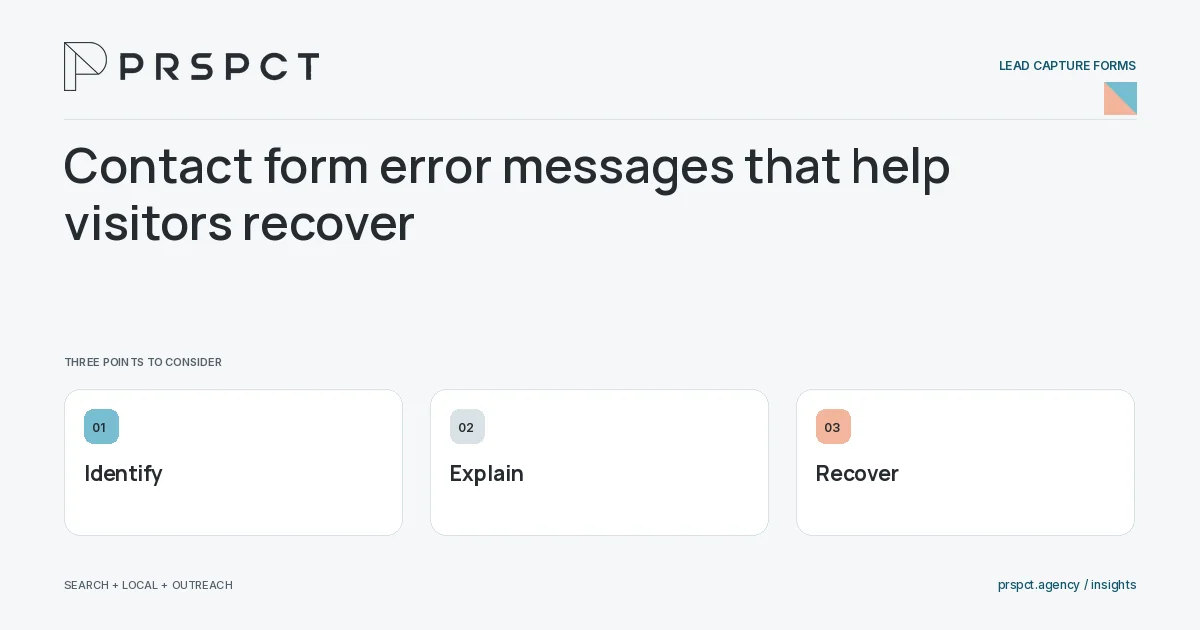
A useful form error identifies the problem, associates it with the field or action, and tells the visitor how to recover. Preserve valid entries and distinguish input errors from delivery failures.
“Something went wrong” rarely gives enough direction.
Explain input problems
Use clear field-specific wording such as asking for a complete email address.
Handle delivery failures
Tell visitors the request was not confirmed and provide a safe retry or alternate contact route.
Preserve the work
Keep valid information when possible and move focus or announcements appropriately for accessible recovery.
A practical example
A fictional form highlights the missing service selection while preserving the message. If sending fails, it does not show a success state.
A decision checkpoint
Distinguish instructions from errors. Explain necessary formatting before submission when possible, then use errors for actual problems. This reduces trial and error and makes the form easier to complete without relying on a user to infer the required format from repeated rejection.
A mistake to avoid
Clearing every field after one error forces unnecessary rework.
How to assess the result
Test invalid, interrupted, and server-error cases with keyboard and mobile use.
Put the work in context
A lead form should collect enough information for a useful response without asking for details the team will not use. Its technical behavior matters as much as its appearance.
Test valid input, missing fields, failed delivery, duplicate submission, and mobile access. Count a successful inquiry only when the backend or receiving system confirms the intended action, and keep private form content out of analytics events.
A common question
Should error messages expose server details?
No. Give useful recovery instructions while keeping implementation details out of the public message.
Related reading
- Lead capture forms: a practical design checklist
- Thank-you pages for lead forms: what happens next?
- Mobile contact forms: usability checks that matter
- Landing page optimization for service businesses
Discuss your next priority
PRSPCT helps businesses connect search visibility, local presence, and email outreach. Email josh@prspct.agency to discuss your goals.
References and further reading
The references below support relevant platform definitions and requirements. The planning workflows and labeled examples are PRSPCT editorial guidance.