

Lead capture forms
Lead capture forms: a practical design checklist
A useful lead capture form explains its purpose, asks for relevant information, provides clear labels and errors, and confirms real delivery. Design it around the response process rather than a generic field count.
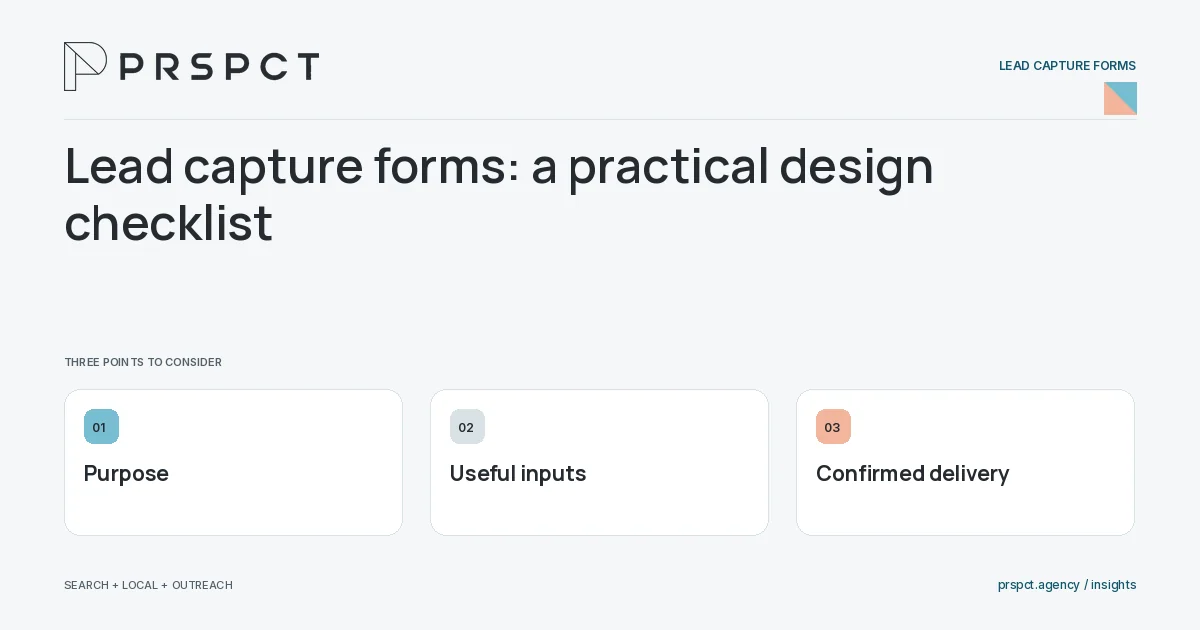
The form is part of a customer conversation.
Define information needs
Ask the reply owner what is required to route and answer a request.
Make completion clear
Use visible labels, appropriate input types, and helpful validation without relying on placeholder text alone.
Verify the outcome
Show success only after the intended backend action succeeds, with a useful recovery route for failure.
A practical example
A fictional consultant collects service interest and goals, then confirms delivery to the monitored inbox. The form does not request unused procurement details.
A decision checkpoint
Use the form as the beginning of a response, not a substitute for one. Ask what the next person needs to know and remove fields that do not change their action. If a field is required only for internal reporting, assess whether that burden is proportionate to the visitor’s request.
A mistake to avoid
A client-only success message can conceal a request that was never sent.
How to assess the result
Compare attempts, confirmed submissions, valid inquiries, and qualification with consistent rules.
Put the work in context
A lead form should collect enough information for a useful response without asking for details the team will not use. Its technical behavior matters as much as its appearance.
Test valid input, missing fields, failed delivery, duplicate submission, and mobile access. Count a successful inquiry only when the backend or receiving system confirms the intended action, and keep private form content out of analytics events.
A common question
Is a shorter form always better?
No. The right length balances useful qualification with reasonable effort for the visitor.
Related reading
- Which fields should a service-business contact form require?
- Thank-you pages for lead forms: what happens next?
- Landing page optimization for service businesses
Choose a related question
Which fields should a service-business contact form require?
Require only fields needed for routing and a useful initial reply. Make optional information visibly optional and explain unusual requests where the reason may not be obvious.
Single-step versus multi-step lead forms
A single-step form shows the request together; a multi-step form divides it into stages. Choose based on information complexity, mobile effort, and the need to explain progress rather than assuming one format converts better universally.
Contact form error messages that help visitors recover
A useful form error identifies the problem, associates it with the field or action, and tells the visitor how to recover. Preserve valid entries and distinguish input errors from delivery failures.
Thank-you pages for lead forms: what happens next?
A lead-form thank-you page should confirm the actual submission outcome, explain the next step, and offer a relevant resource if useful. Do not promise a response time the business has not agreed to meet.
How to test that website forms really send inquiries
Test a website form by submitting labeled requests and verifying validation, backend success, actual receipt, and response ownership. A visual confirmation alone does not prove the business received the inquiry.
How to reduce form spam without blocking good leads
Reduce form spam with proportionate validation, abuse controls, and operational filtering while preserving access for legitimate visitors. Measure false positives as well as unwanted submissions.
Mobile contact forms: usability checks that matter
Mobile contact forms need readable labels, suitable keyboards, comfortable controls, helpful validation, and a stable layout. Test the actual device journey, including what happens after submission.
Lead form tracking: count submissions instead of button clicks
Track lead forms by distinguishing starts, attempts, confirmed submissions, and valid inquiries. Use a success signal tied to the actual backend outcome rather than firing a lead event every time the button is clicked.
Contact form versus booking link: choose the right first step
A contact form lets a business review context before responding; a booking link asks the prospect to choose a time directly. Choose based on qualification needs, availability, and the purpose of the first conversation.
Discuss your next priority
PRSPCT helps businesses connect search visibility, local presence, and email outreach. Email josh@prspct.agency to discuss your goals.
References and further reading
The references below support relevant platform definitions and requirements. The planning workflows and labeled examples are PRSPCT editorial guidance.