

Email deliverability
Email deliverability checklist for small businesses
An email deliverability check reviews sender authentication, message identity, audience quality, preferences, delivery errors, and recipient response. Technical setup matters, but it does not guarantee inbox placement or make unwanted mail appropriate.
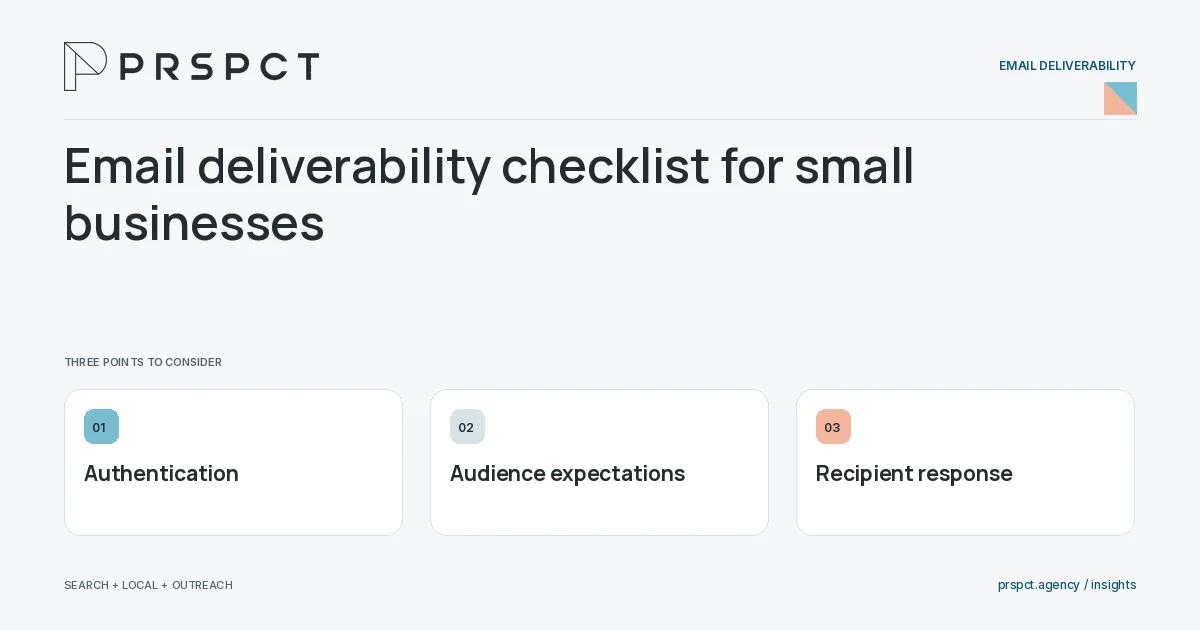
Diagnose actual failures rather than relying on one score.
Inventory senders
List systems sending on the domain’s behalf and who maintains them.
Verify authentication
Use provider instructions and inspect real headers for expected results and alignment.
Review recipient signals
Check bounces, complaints, opt-outs, and relevant engagement with context.
A practical example
A fictional business discovers an old form tool still sends unauthenticated mail. It fixes the legitimate sender setup instead of buying another domain to avoid the symptom.
A decision checkpoint
Inventory all legitimate message types, not only the newsletter. Forms, invoices, booking tools, and support systems may send on the business’s behalf. A deliverability review can miss the actual failing service if it tests only the primary mailbox or the latest marketing platform.
A mistake to avoid
Authentication alone cannot compensate for an irrelevant audience.
How to assess the result
Track provider errors and complaint patterns alongside valid business responses.
Put the work in context
Deliverability concerns whether appropriate messages reach recipients successfully and are treated as wanted. Authentication, accurate identity, audience expectations, preference handling, and recipient response work together.
Use your provider’s current configuration instructions and test real message headers. Do not copy arbitrary DNS records or treat authentication as permission to send unwanted messages. Investigate evidence before changing infrastructure.
A common question
Can deliverability be guaranteed?
No. Receiving systems and recipient behavior remain outside the sender’s full control.
Related reading
- SPF explained for small-business email senders
- Why business emails go to spam: a diagnostic workflow
- B2B prospecting for small businesses: a practical plan
Choose a related question
SPF explained for small-business email senders
SPF identifies which sending systems are authorized for a domain’s envelope-sender context. Configure it from your actual provider requirements and verify real mail rather than copying an unrelated example record.
DKIM explained for business owners
DKIM adds a domain-based digital signature to email so receivers can evaluate signed message integrity and identity context. Enable it through each legitimate provider and verify that actual messages carry valid expected signatures.
DMARC explained: alignment, monitoring, and policy
DMARC evaluates alignment between the visible From domain and authenticated SPF or DKIM identity, and publishes handling and reporting preferences. Introduce policy changes carefully after understanding all legitimate senders.
Why business emails go to spam: a diagnostic workflow
Spam placement can involve authentication, reputation, unwanted audience selection, message behavior, links, or provider policy. Inspect actual evidence before blaming a single word or changing domains.
Hard bounces versus soft bounces: what to investigate
A hard bounce generally indicates a permanent delivery failure, while a soft bounce generally indicates a temporary condition. Use the provider’s actual classification and error details to decide suppression or recovery.
One-click unsubscribe versus an email footer link
Header-based one-click unsubscribe and a visible body link are different mechanisms. Implement the requirements applicable to your sending category using provider guidance, and test that preferences are honored across systems.
Email opens and bot clicks: avoid misleading engagement reports
Email opens and clicks can include privacy-related fetching and automated security activity. Use provider filtering where available and compare with meaningful actions, replies, and business outcomes.
Email sender reputation: a practical maintenance routine
A sender-reputation routine reviews appropriate audience selection, authentication, complaint patterns, invalid addresses, and sending changes. Maintain wanted communication rather than trying to conceal poor recipient response.
Email deliverability audit before moving platforms
Before migrating email platforms, preserve audience relationships, preferences, authentication, templates, and workflow logic. Test real messages and exclusions before transferring normal activity.
Discuss your next priority
PRSPCT helps businesses connect search visibility, local presence, and email outreach. Email josh@prspct.agency to discuss your goals.
References and further reading
The references below support relevant platform definitions and requirements. The planning workflows and labeled examples are PRSPCT editorial guidance.