

Google Business Profile
How to choose Google Business Profile categories accurately
Choose categories that describe what the business is, using the most appropriate primary category and relevant additional categories. Do not select categories merely because their keywords seem attractive.
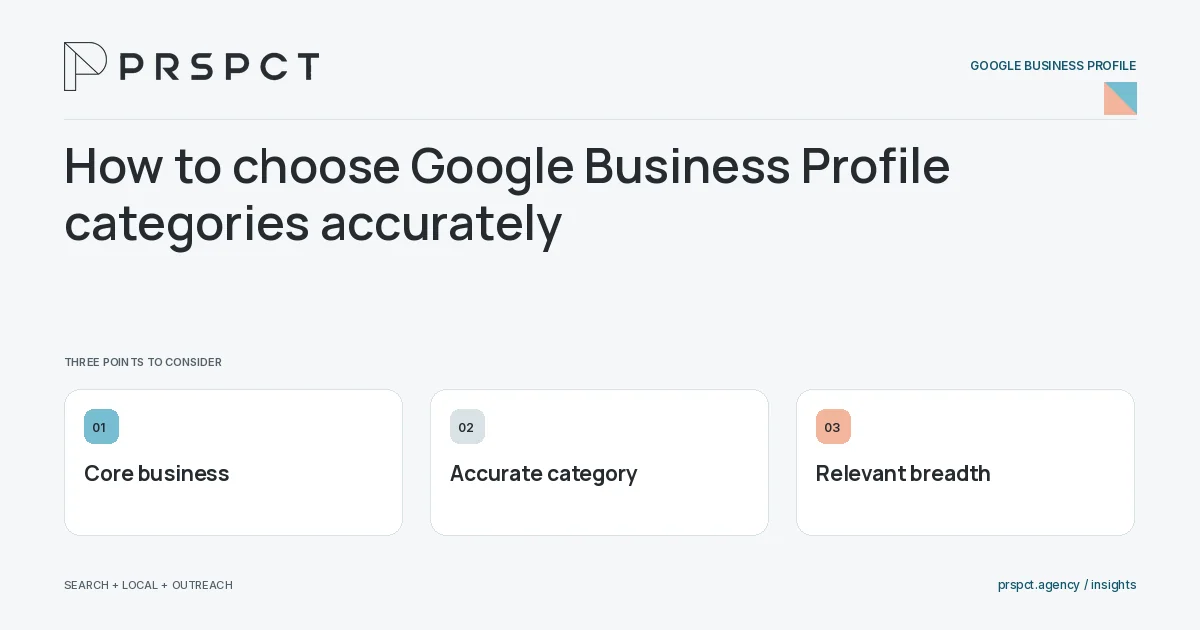
The category decision should reflect the operation, not every customer outcome it supports.
Describe the core business
Write the main activity plainly before browsing category options.
Check legitimate breadth
Add categories only when they represent actual business activities. Keep services and descriptive details in suitable fields.
Review after changes
When the business evolves, compare category choices with current official guidance and available options.
A practical example
A fictional bookkeeping practice chooses a category matching its main operation rather than unrelated financial activities it does not provide.
A decision checkpoint
When several categories seem plausible, compare them with the core operation customers actually hire. Additional categories should describe real activities rather than adjacent needs. Review the current available options and rules, because choosing from an outdated online list can lead to an inappropriate representation.
A mistake to avoid
Choosing an inaccurate category can create mismatched expectations and unsuitable inquiries.
How to assess the result
Review inquiry fit and public representation after a category change. Do not attribute every ranking movement to the edit.
Put the work in context
A Google Business Profile should represent the actual eligible business. Accuracy and customer usefulness take priority over adding promotional language to every field or implying locations and services that do not exist.
Assign access and maintenance responsibility before making changes. Keep a simple record of important updates, verify the public result, and check current official guidance when the business model or profile status changes.
A common question
Should a business use as many categories as possible?
No. Use accurate, relevant categories that genuinely describe the business.
Related reading
- Google Business Profile optimization checklist for small businesses
- What to put in a Google Business Profile description
- Google Business Profile photos: what a service business can show
- Online reputation management for small businesses
Discuss your next priority
PRSPCT helps businesses connect search visibility, local presence, and email outreach. Email josh@prspct.agency to discuss your goals.
References and further reading
The references below support relevant platform definitions and requirements. The planning workflows and labeled examples are PRSPCT editorial guidance.