

Google Business Profile
Google Business Profile optimization checklist for small businesses
Optimize an eligible Google Business Profile by checking identity, categories, services, hours, links, and useful business information. Start with accuracy and a working customer journey rather than a posting quota.
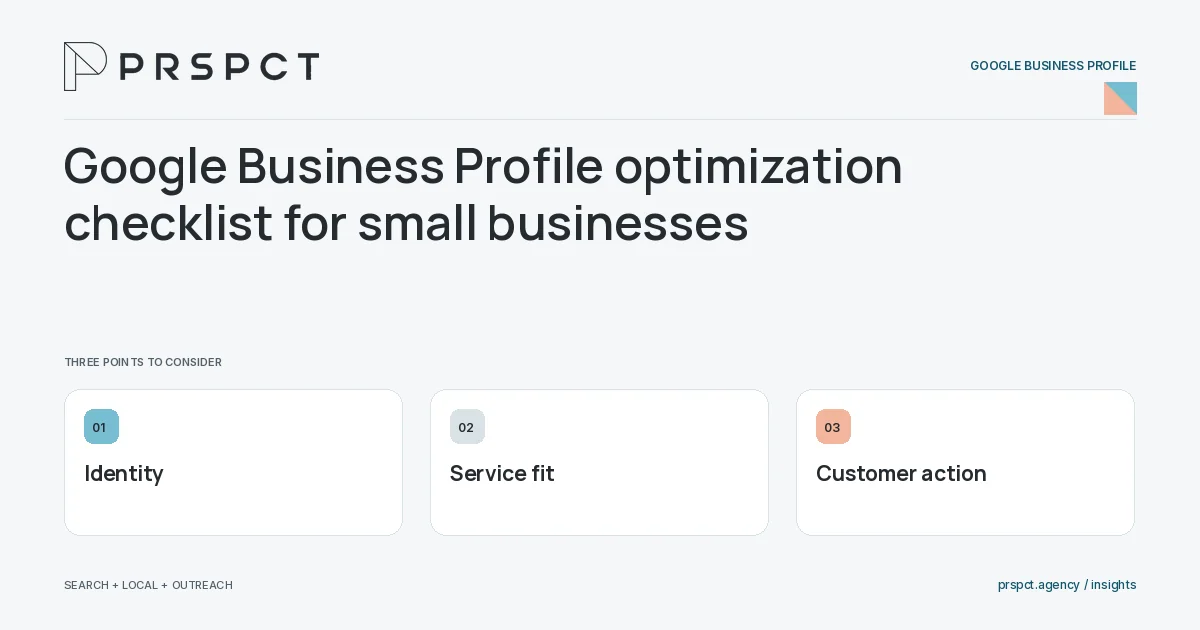
The profile should help someone decide whether and how to contact you.
Verify representation
Confirm the real business name, model, eligible location information, and authorized access.
Clarify the offer
Choose accurate categories and describe actual services. Keep claims consistent with the website.
Test customer actions
Check the website destination, contact route, and public hours on a phone.
A practical example
A fictional repair business replaces an outdated website link and clarifies its service model. Customers reach the appropriate information before requesting help.
A decision checkpoint
Keep an update log for changes that affect customer expectations. If the profile’s categories, link, or hours change, record why and check the corresponding website information. This makes later inquiry patterns easier to investigate without assuming every fluctuation came from the most recent profile edit.
A mistake to avoid
Adding keywords to the business name can misrepresent the operation.
How to assess the result
Review accurate public details, relevant profile activity, and suitable inquiries rather than one completion score.
Put the work in context
A Google Business Profile should represent the actual eligible business. Accuracy and customer usefulness take priority over adding promotional language to every field or implying locations and services that do not exist.
Assign access and maintenance responsibility before making changes. Keep a simple record of important updates, verify the public result, and check current official guidance when the business model or profile status changes.
A common question
Does completing every field guarantee higher rankings?
No. Complete useful information accurately, while recognizing that local results depend on more than profile completion.
Related reading
- How to choose Google Business Profile categories accurately
- Google Business Profile hours: a maintenance workflow
- Online reputation management for small businesses
Choose a related question
How to choose Google Business Profile categories accurately
Choose categories that describe what the business is, using the most appropriate primary category and relevant additional categories. Do not select categories merely because their keywords seem attractive.
What to put in a Google Business Profile description
A Business Profile description should explain the business’s actual services, audience, and distinguishing approach in clear language. Keep it factual and consistent with the website rather than filling it with promotional claims or repeated location phrases.
Google Business Profile website links: choose the right destination
A profile website link should send customers to a useful, current page that matches the represented business or location. Test the final destination, mobile experience, and inquiry path after updates.
Google Business Profile hours: a maintenance workflow
Maintain profile hours by assigning responsibility, checking regular and special hours, and verifying the public display when operations change. Accurate hours help customers plan and reduce preventable confusion.
Google Business Profile photos: what a service business can show
Useful business photos show the real operation, work context, or customer experience without misrepresentation. Choose clear, relevant images with appropriate permission, and keep sensitive customer information out of the frame.
Google Business Profile posts: plan useful updates
Plan profile updates around useful, current information such as service explanations, genuine changes, and helpful resources. Match the update to the business and destination rather than posting simply to maintain a daily streak.
Google Business Profile access: ownership and agency handoff
A profile handoff should preserve legitimate business control, use appropriate access roles, and document responsibility for updates. Avoid shared credentials when role-based access can support the work.
Google Business Profile suspension: prepare an accurate review
If a profile is suspended, inspect the notice and current official guidance, identify possible representation problems, and prepare accurate evidence through the legitimate review process. Avoid creating duplicate profiles as a workaround.
Google Business Profile performance: what owners should review
Profile performance reporting shows recorded discovery and interactions within the platform’s definitions. Interpret it alongside website data and actual inquiries rather than assuming every interaction represents a new customer.
Discuss your next priority
PRSPCT helps businesses connect search visibility, local presence, and email outreach. Email josh@prspct.agency to discuss your goals.
References and further reading
The references below support relevant platform definitions and requirements. The planning workflows and labeled examples are PRSPCT editorial guidance.