

Google Business Profile
Google Business Profile hours: a maintenance workflow
Maintain profile hours by assigning responsibility, checking regular and special hours, and verifying the public display when operations change. Accurate hours help customers plan and reduce preventable confusion.
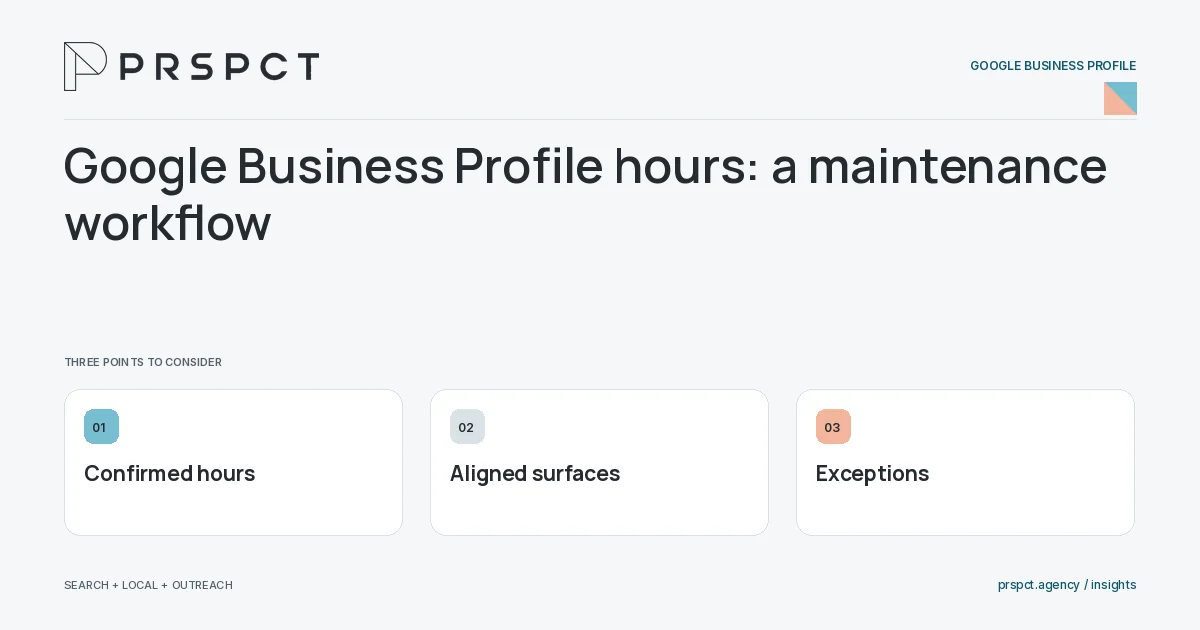
A seasonal change can leave old information visible after the team has moved on.
Create the operational source
Confirm the actual hours with the person responsible for serving customers.
Update relevant surfaces
Align profile, website, booking tools, and other important listings where appropriate.
Verify exceptions
Review holidays, temporary changes, and appointment arrangements against current field options and rules.
A practical example
A fictional office changes its Friday appointment pattern. The owner updates the profile and booking page together, then checks the public experience on mobile.
A decision checkpoint
Ask who can make an urgent correction when the usual owner is unavailable. Special hours and temporary closures may need prompt factual updates. An authorized backup and a current operating record are more useful than relying on someone to remember a password during a busy period.
A mistake to avoid
Using hours to imply availability the team cannot deliver creates disappointed customers.
How to assess the result
Review incorrect-hours complaints and missed inquiries. Keep a reminder in the ordinary operations calendar.
Put the work in context
A Google Business Profile should represent the actual eligible business. Accuracy and customer usefulness take priority over adding promotional language to every field or implying locations and services that do not exist.
Assign access and maintenance responsibility before making changes. Keep a simple record of important updates, verify the public result, and check current official guidance when the business model or profile status changes.
A common question
Should appointment-only businesses invent walk-in hours?
No. Represent the actual operating model and follow the platform’s current guidance.
Related reading
- Google Business Profile optimization checklist for small businesses
- Google Business Profile photos: what a service business can show
- Google Business Profile suspension: prepare an accurate review
- Online reputation management for small businesses
Discuss your next priority
PRSPCT helps businesses connect search visibility, local presence, and email outreach. Email josh@prspct.agency to discuss your goals.
References and further reading
The references below support relevant platform definitions and requirements. The planning workflows and labeled examples are PRSPCT editorial guidance.