

Technical SEO
Staging-site SEO checklist before a Vercel launch
Before launching a site from staging, verify the production domain, indexing settings, canonical URLs, assets, redirects, and working contact delivery. Keep preview environments controlled without carrying their restrictions into production.
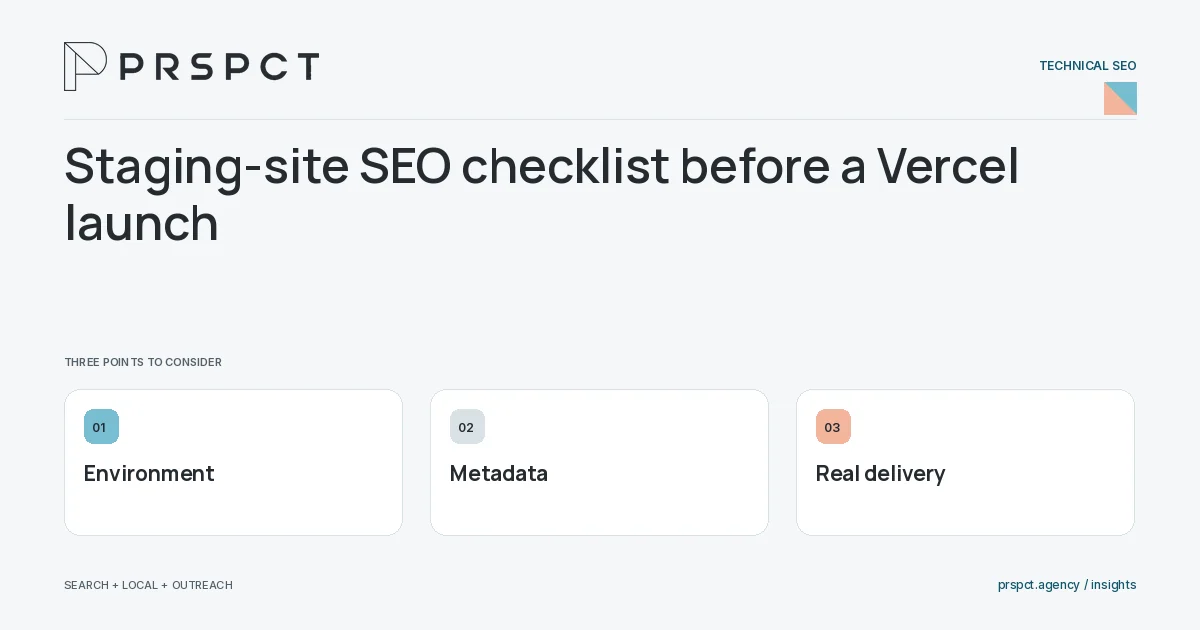
A successful build does not prove the public version is configured correctly.
Separate environments
Confirm which host is production and which hosts are previews. Use access controls when staging content must be private.
Check generated metadata
Inspect canonicals, social image URLs, sitemap hostnames, and robots behavior on the real domain.
Test real journeys
Load routes directly, follow internal links, and submit a labeled test inquiry to the approved destination.
A practical example
A fictional launch passes the build but still references a preview host in article metadata. The team fixes the shared URL configuration and regenerates the affected outputs.
A decision checkpoint
Keep the production acceptance record separate from the build log. A build verifies that software can be assembled; acceptance verifies that the intended domain, metadata, routes, assets, and inquiry delivery work together. Name the person who confirms receipt so the last step is observable.
A mistake to avoid
Removing a staging block without checking other environment settings can leave inconsistent public signals.
How to assess the result
Use a production acceptance checklist covering representative pages and confirmed message receipt.
Put the work in context
Technical SEO makes useful content accessible and consistently identifiable. Diagnose the specific failure before applying a sitewide change: crawl access, indexing signals, rendering, redirects, and page experience solve different problems.
Test representative URLs from each page template after changes. Keep staging and production settings separate, and confirm that the published HTML, status code, canonical URL, and sitemap describe the same intended destination.
A common question
Should preview URLs be in the production sitemap?
No. The production sitemap should describe the intended canonical production pages.
Related reading
- Technical SEO checklist for a small website
- Robots.txt versus noindex: which control does what?
- Content marketing for small businesses: build a useful library
Discuss your next priority
PRSPCT helps businesses connect search visibility, local presence, and email outreach. Email josh@prspct.agency to discuss your goals.
References and further reading
The references below support relevant platform definitions and requirements. The planning workflows and labeled examples are PRSPCT editorial guidance.