

Email automation
Automation failure handling: what if the email does not send?
Automation needs a response to failed sends, missing data, broken integrations, and undelivered resources. Assign an owner and a recovery process so silent errors do not leave requests unresolved.
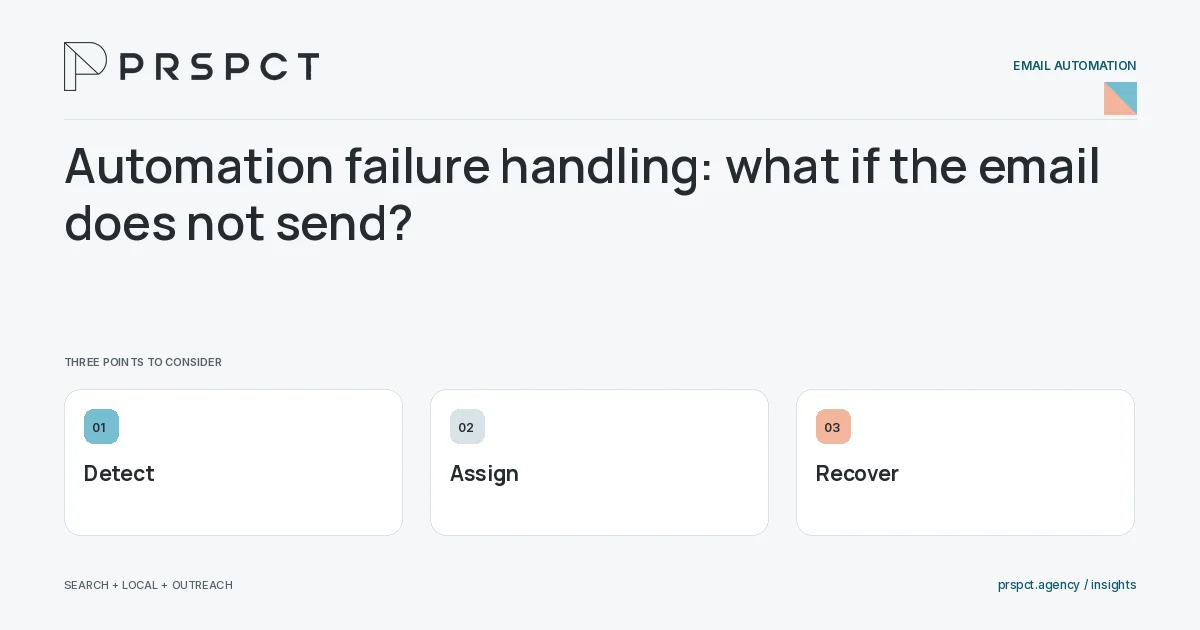
Failure handling is part of the customer promise.
Identify critical failures
Distinguish a delayed update from a resource or inquiry acknowledgment the person expects.
Create monitored alerts
Send actionable failure information to an owner without exposing unnecessary private data.
Plan safe recovery
Avoid retries that duplicate messages or ignore a changed preference.
A practical example
A fictional checklist flow detects a missing resource link and pauses the affected step while the owner corrects it. Recovery avoids resending unrelated welcome emails.
A decision checkpoint
Recovery should preserve the current relationship. If a failed message is retried after the person opted out or entered a sales conversation, the original eligibility may no longer apply. Recheck the relevant controls rather than treating the retry as automatically authorized by the earlier event.
A mistake to avoid
Blind retries can multiply the original problem.
How to assess the result
Review unresolved failures, recovery time, and duplicate sends.
Put the work in context
Email automation executes a defined process; it does not decide whether that process is appropriate. Start with audience eligibility, trigger, message purpose, stopping conditions, and a responsible owner.
Test representative paths before activation, including missing data, duplicate events, replies, purchases where relevant, opt-outs, and failures. Keep a record of which event causes each send and how the automation is paused or retired.
A common question
Should every failure automatically retry forever?
No. Use bounded, context-aware recovery with human review where needed.
Related reading
- Email marketing automation for small businesses
- How to document email automations for an agency handoff
- Welcome email sequence for a service-business newsletter
- Email segmentation for small businesses: start with useful groups
Discuss your next priority
PRSPCT helps businesses connect search visibility, local presence, and email outreach. Email josh@prspct.agency to discuss your goals.
References and further reading
The references below support relevant platform definitions and requirements. The planning workflows and labeled examples are PRSPCT editorial guidance.