

Email automation
Email marketing automation for small businesses
Email automation sends messages or performs actions when defined conditions are met. Begin with one useful, testable workflow such as welcome or request fulfillment rather than automating every customer interaction at once.
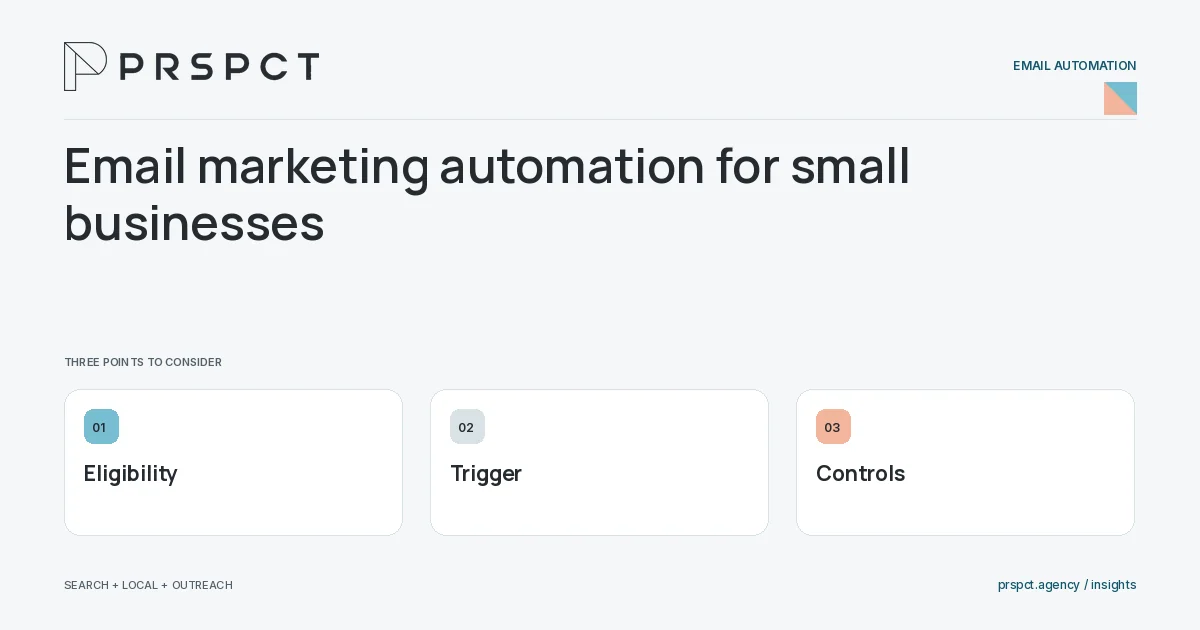
A reliable simple flow is easier to maintain than a complex unexplained one.
Define eligibility and trigger
Specify who enters and which actual event starts the workflow.
Write the message purpose
Explain what each step delivers and why its timing makes sense.
Add controls
Set exit, pause, suppression, and failure behavior with an owner.
A practical example
A fictional business automates subscriber welcome and checklist delivery first, then tests duplicate signup and opt-out scenarios before activation.
A decision checkpoint
Choose a workflow that has a clear completion state. “Improve engagement forever” is difficult to test, while “deliver the requested resource and explain the subscription” has observable outcomes. That definition makes it easier to identify unnecessary steps and prevent a small flow from becoming an indefinite sequence.
A mistake to avoid
Automation can repeat a bad assumption at scale.
How to assess the result
Review successful fulfillment, useful responses, duplicates, and control failures.
Put the work in context
Email automation executes a defined process; it does not decide whether that process is appropriate. Start with audience eligibility, trigger, message purpose, stopping conditions, and a responsible owner.
Test representative paths before activation, including missing data, duplicate events, replies, purchases where relevant, opt-outs, and failures. Keep a record of which event causes each send and how the automation is paused or retired.
A common question
Should automation replace human replies?
No. Use it for defined tasks and preserve human review where context matters.
Related reading
- Welcome email sequence for a service-business newsletter
- Email automation exit rules: know when to stop
- Email segmentation for small businesses: start with useful groups
Choose a related question
Welcome email sequence for a service-business newsletter
A welcome sequence should confirm the subscription context, deliver promised value, and explain what comes next. Keep it aligned with the signup promise rather than immediately replacing it with unrelated promotions.
Automated inquiry acknowledgments: confirm without overpromising
An automated acknowledgment should confirm actual receipt, summarize the request’s next stage, and provide approved expectations. It should not claim that a person reviewed the inquiry or promise an unsupported response time.
Email automation triggers: choose meaningful events
A useful automation trigger represents a real event or status change relevant to the message. Choose reliable signals and avoid treating noisy activity as proof of purchase intent.
Email automation exit rules: know when to stop
Exit rules stop or change a workflow when the message is no longer appropriate. Include preference changes, relevant status transitions, active conversations, and completed tasks as the use case requires.
How to prevent overlapping email automations
Prevent overlap by defining campaign eligibility, priority, exclusions, and active-conversation handling in one visible plan. Review the full recipient journey rather than each automation in isolation.
Email automation testing checklist before activation
Test automation entry, personalization, timing, links, exits, suppression, and failure handling before activation. Use representative test records rather than only sending one preview email.
Automation failure handling: what if the email does not send?
Automation needs a response to failed sends, missing data, broken integrations, and undelivered resources. Assign an owner and a recovery process so silent errors do not leave requests unresolved.
How to document email automations for an agency handoff
Automation documentation should show purpose, audience, trigger, steps, dependencies, exits, ownership, and recovery. It should let another authorized operator understand the workflow without guessing from the visual builder.
Email automation audit: simplify before adding more flows
An automation audit checks whether each active workflow still has a useful purpose, valid audience, accurate content, and functioning controls. Retire or simplify unnecessary journeys before expanding complexity.
Discuss your next priority
PRSPCT helps businesses connect search visibility, local presence, and email outreach. Email josh@prspct.agency to discuss your goals.
References and further reading
The references below support relevant platform definitions and requirements. The planning workflows and labeled examples are PRSPCT editorial guidance.