

Email automation
Email automation exit rules: know when to stop
Exit rules stop or change a workflow when the message is no longer appropriate. Include preference changes, relevant status transitions, active conversations, and completed tasks as the use case requires.
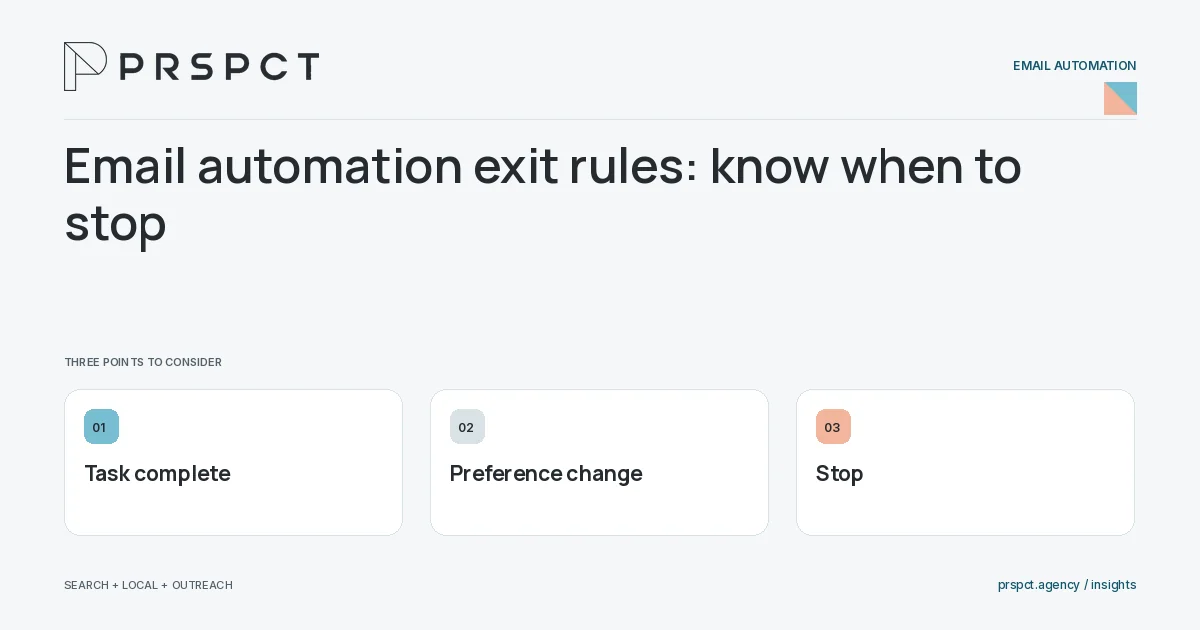
A sequence should not keep asking for an action already completed.
List completion states
Define what resolves the workflow’s original purpose.
Apply preference controls
Ensure opt-outs and suppression are respected across relevant systems.
Test timing conflicts
Check what happens when an exit event occurs near a scheduled send.
A practical example
A fictional consultation sequence stops after an accepted booking. It does not keep asking the person to choose a time while the meeting is already scheduled.
A decision checkpoint
A recipient can complete an action between scheduling and dispatch. Check how the platform handles that timing window and whether queued messages respect updated status. Important exit conditions should be tested close to a send, not only at the start of the workflow.
A mistake to avoid
A stop rule in one tool may fail if another imported list ignores it.
How to assess the result
Review inappropriate sends and verify control propagation across integrations.
Put the work in context
Email automation executes a defined process; it does not decide whether that process is appropriate. Start with audience eligibility, trigger, message purpose, stopping conditions, and a responsible owner.
Test representative paths before activation, including missing data, duplicate events, replies, purchases where relevant, opt-outs, and failures. Keep a record of which event causes each send and how the automation is paused or retired.
A common question
Should an automation stop after a negative reply?
Route replies for appropriate review and honor clear requests to stop.
Related reading
- Email marketing automation for small businesses
- How to prevent overlapping email automations
- How to document email automations for an agency handoff
- Email segmentation for small businesses: start with useful groups
Discuss your next priority
PRSPCT helps businesses connect search visibility, local presence, and email outreach. Email josh@prspct.agency to discuss your goals.
References and further reading
The references below support relevant platform definitions and requirements. The planning workflows and labeled examples are PRSPCT editorial guidance.