

Email automation
Automated inquiry acknowledgments: confirm without overpromising
An automated acknowledgment should confirm actual receipt, summarize the request’s next stage, and provide approved expectations. It should not claim that a person reviewed the inquiry or promise an unsupported response time.
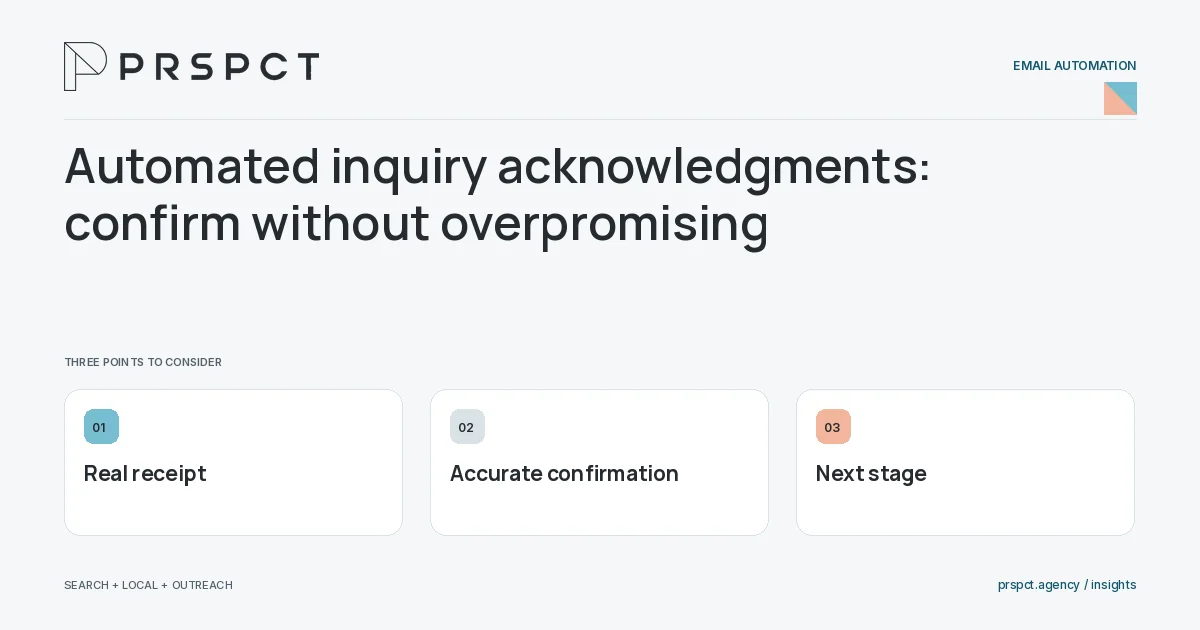
Acknowledgment and meaningful response are different actions.
Trigger on real receipt
Send only after the system accepts the inquiry as intended.
Use accurate wording
Explain that the request was received and will enter the stated process.
Support recovery
Provide an appropriate route for corrections or urgent context without exposing private details.
A practical example
A fictional acknowledgment says the team received the request and will review the submitted goals. It does not pretend the owner has already assessed fit.
A decision checkpoint
Do not include private form details in an email subject where they may appear in notifications. The acknowledgment can confirm receipt with enough context to be useful while reserving sensitive discussion for an appropriate channel. Align its wording with the actual receiving-system state.
A mistake to avoid
An acknowledgment sent for failed submissions creates false reassurance.
How to assess the result
Compare acknowledgments with backend records and monitor requests still lacking an owner.
Put the work in context
Email automation executes a defined process; it does not decide whether that process is appropriate. Start with audience eligibility, trigger, message purpose, stopping conditions, and a responsible owner.
Test representative paths before activation, including missing data, duplicate events, replies, purchases where relevant, opt-outs, and failures. Keep a record of which event causes each send and how the automation is paused or retired.
A common question
Can an acknowledgment be counted as sales follow-up?
Track it separately from a substantive reply that addresses the request.
Related reading
- Email marketing automation for small businesses
- Email automation triggers: choose meaningful events
- Email automation testing checklist before activation
- Email segmentation for small businesses: start with useful groups
Discuss your next priority
PRSPCT helps businesses connect search visibility, local presence, and email outreach. Email josh@prspct.agency to discuss your goals.
References and further reading
The references below support relevant platform definitions and requirements. The planning workflows and labeled examples are PRSPCT editorial guidance.