

Email automation
Email automation triggers: choose meaningful events
A useful automation trigger represents a real event or status change relevant to the message. Choose reliable signals and avoid treating noisy activity as proof of purchase intent.
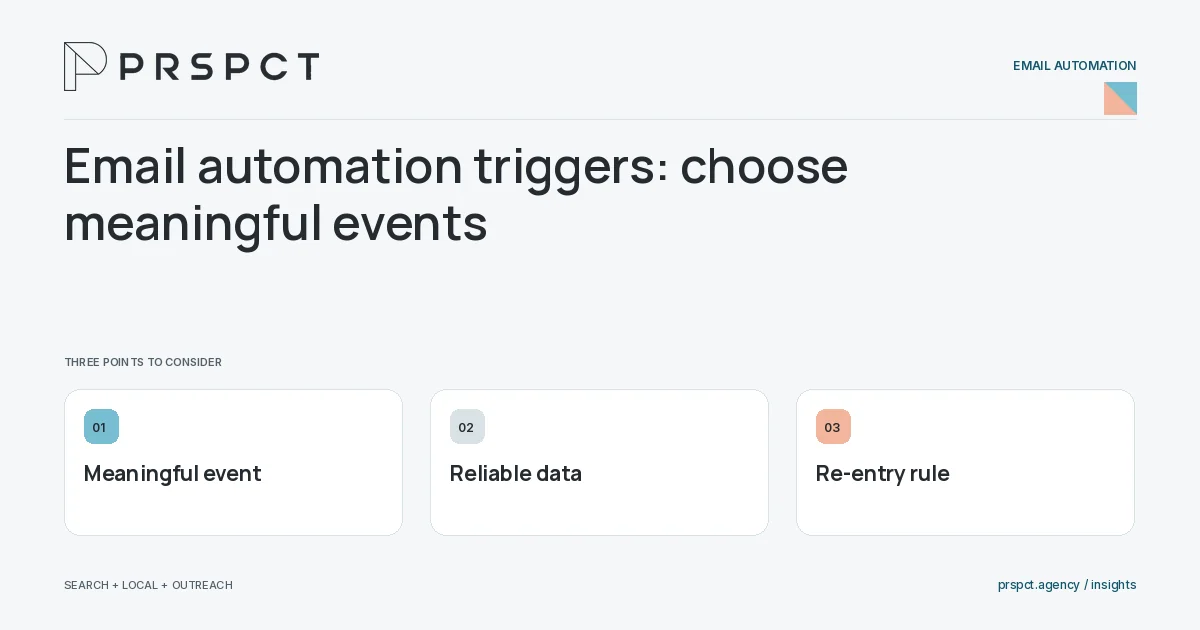
The trigger should explain why the email is appropriate now.
Name the event
Use a confirmed signup, accepted request, or approved stage change with clear semantics.
Check data reliability
Review missing events, duplicate events, and timing delays.
Define re-entry
Decide whether a person can enter again and how repeated events are handled.
A practical example
A fictional resource delivery flow begins after a confirmed request, not an incidental page view. Repeat requests deliver access without restarting unrelated messages.
A decision checkpoint
Check the event source after integrations change. A field or webhook may begin arriving with different values even when the automation builder looks unchanged. Use a documented contract for the trigger and verify representative records so the workflow does not silently enroll the wrong audience.
A mistake to avoid
Using every email open as a trigger can create unwanted or inaccurate branching.
How to assess the result
Audit entry logs and compare them with the originating system’s records.
Put the work in context
Email automation executes a defined process; it does not decide whether that process is appropriate. Start with audience eligibility, trigger, message purpose, stopping conditions, and a responsible owner.
Test representative paths before activation, including missing data, duplicate events, replies, purchases where relevant, opt-outs, and failures. Keep a record of which event causes each send and how the automation is paused or retired.
A common question
Is a page visit always a good trigger?
No. Consider consent, signal reliability, context, and whether the resulting message is appropriate.
Related reading
- Email marketing automation for small businesses
- Email automation exit rules: know when to stop
- Automation failure handling: what if the email does not send?
- Email segmentation for small businesses: start with useful groups
Discuss your next priority
PRSPCT helps businesses connect search visibility, local presence, and email outreach. Email josh@prspct.agency to discuss your goals.
References and further reading
The references below support relevant platform definitions and requirements. The planning workflows and labeled examples are PRSPCT editorial guidance.